Top 5 Free Cloud Storage Apps Compared — Which One Is Actually Worth Using?
I used to save everything locally on my phone — photos, documents, notes, you name it. Then one day my phone died and I lost three months of files in one go. Not my finest moment. That was the day I finally got serious about cloud storage.
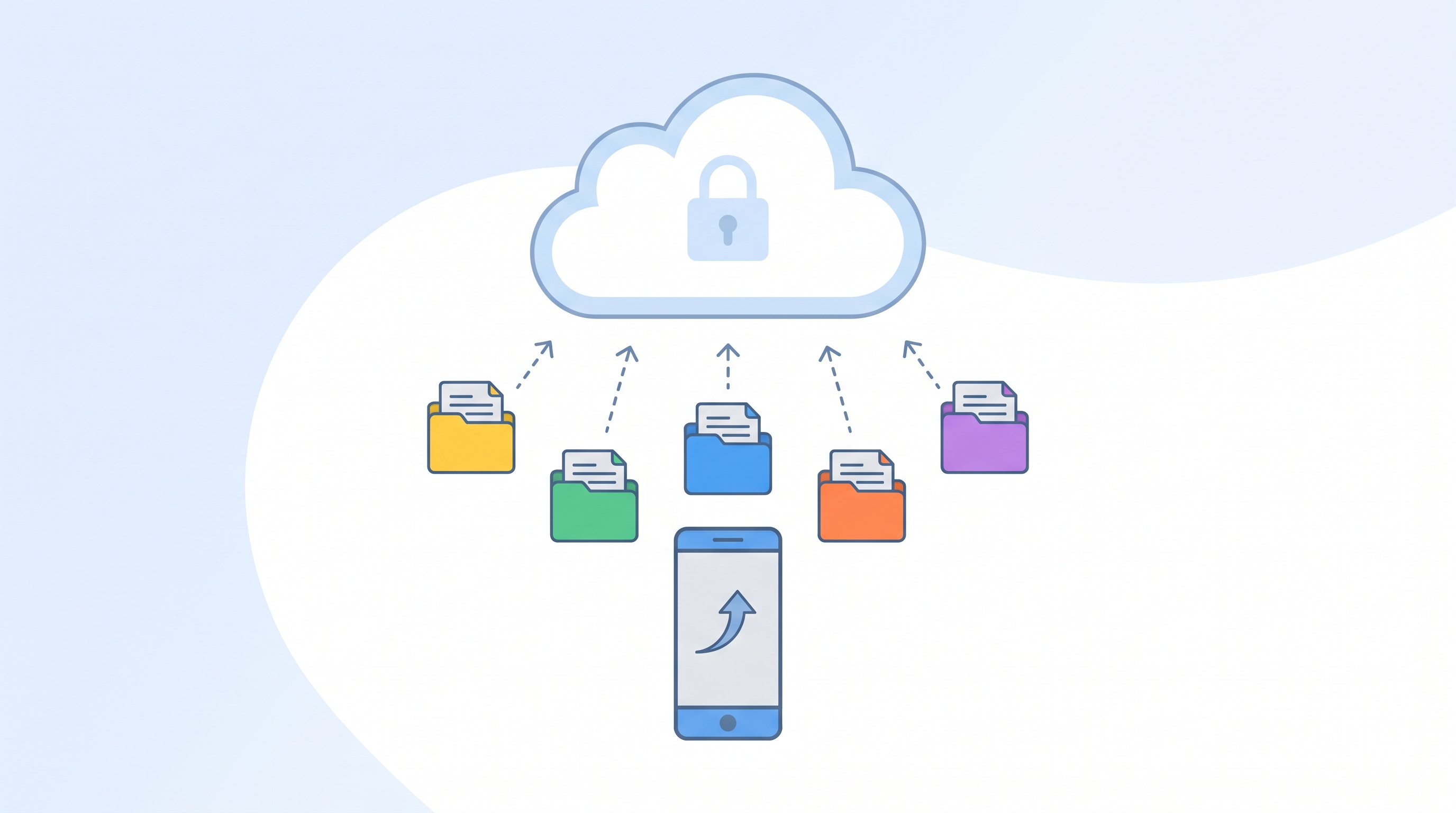
The problem? There are so many options and they all promise to be the best free cloud storage around. Google Drive, Dropbox, OneDrive, iCloud, MEGA — where do you even start?
I've used all of them at some point and I'm here to give you the honest, no-fluff comparison of the best free cloud storage apps in 2025 so you can stop guessing and just pick the right one.
What Actually Matters in a Free Cloud Storage App
Before diving in, here's what I paid attention to when testing each app — because not all "free" plans are created equal.
- Free storage amount — how many GB do you actually get without paying?
- Cross-platform access — does it work on Android, iOS, Windows, and Mac?
- File sharing — how easy is it to share files with others?
- Sync speed — how fast do files upload and stay updated?
- Offline access — can you access files without an internet connection?
- Security — how is your data protected?
I checked all of these for every app on this list. Let's get into it.
1. Google Drive — Best Overall Free Cloud Storage App
If you use Android or Gmail, Google Drive is basically already part of your life — and for good reason. It's the most seamlessly integrated cloud storage option on the planet, and the free plan gives you 15GB shared across Drive, Gmail, and Photos.
What makes Google Drive stand out is the ecosystem. Your files sync instantly across all devices, Google Docs and Sheets open directly in the browser with no extra software, and sharing a file or folder with anyone takes about three seconds. I use it daily for blog drafts, research notes, and keeping all my screenshots organized — it's genuinely irreplaceable for me.
- ✅ 15GB free storage
- ✅ Seamless Google Workspace integration
- ✅ Excellent file sharing and collaboration
- ✅ Works on all platforms
- ✅ Offline access available
- ❌ Storage shared with Gmail and Google Photos
- ❌ Privacy concerns for some users
Best for: everyone — especially Android users and anyone in the Google ecosystem.
2. MEGA — Most Free Storage of Any App on This List
MEGA is the hidden gem of free cloud storage. They offer a whopping 20GB free on their standard plan — more than any other major cloud storage app without paying. The moment I discovered this I immediately moved my backup files over.
The standout feature of MEGA is end-to-end encryption on everything — your files are encrypted before they even leave your device, which means even MEGA can't see your data. If privacy is a priority for you, MEGA is the most secure free option by a significant margin.
The app is available on Android, iOS, Windows, Mac, and Linux. The interface isn't quite as polished as Google Drive, but it works reliably and the security features more than make up for any aesthetic shortcomings.
- ✅ 20GB free storage — most on list
- ✅ End-to-end encryption by default
- ✅ Works on all major platforms
- ✅ File versioning included free
- ❌ Interface less polished than Google Drive
- ❌ Sync speed slower than competitors
Best for: privacy-conscious users who want maximum free storage with strong security.
3. Dropbox — Best Free App for File Syncing
Dropbox was the original cloud storage app and it's still the gold standard for one specific thing — file syncing speed. If you need files to appear on all your devices instantly and reliably, nothing beats Dropbox.
The catch? The free plan only gives you 2GB of storage — which is honestly pretty tight in 2025. It fills up fast if you're storing photos or large files. I personally use Dropbox's free tier specifically for my most critical working documents that I need instant access to on any device — and keep larger files on Google Drive.
The interface is beautifully clean, the desktop app is rock solid, and sharing files with non-Dropbox users works seamlessly via link. If they'd just give us more free storage it would be the perfect service.
- ✅ Fastest and most reliable sync
- ✅ Excellent desktop app
- ✅ Easiest file sharing experience
- ✅ 30-day file recovery on free plan
- ❌ Only 2GB free — least on list
- ❌ Limited features on free plan
Best for: users who prioritize sync reliability over storage quantity for critical files.
4. OneDrive — Best Free Cloud Storage for Windows Users
If you use Windows 10 or 11, OneDrive is already installed and running on your computer — and it deserves more credit than it usually gets. Microsoft gives you 5GB free and the integration with Windows is seamless. Your Desktop, Documents, and Pictures folders can sync automatically to OneDrive with one toggle in settings.
The Microsoft 365 integration is where OneDrive really shines — if you use Word, Excel, or PowerPoint, your files save directly to OneDrive by default, making collaboration and backup completely effortless. The mobile app is clean and works well on both Android and iOS too.
- ✅ 5GB free storage
- ✅ Built into Windows — zero setup
- ✅ Excellent Microsoft 365 integration
- ✅ Good mobile app for Android and iOS
- ✅ Personal Vault for sensitive files
- ❌ Less useful for non-Windows users
- ❌ Interface can feel cluttered
Best for: Windows users who want zero-effort cloud backup that just works in the background.
5. pCloud — Best Free Option with Lifetime Plan Available
pCloud is a less well-known option that deserves more attention. The free plan gives you 10GB and the app works smoothly across all platforms. What makes pCloud unique is its optional lifetime plan — a one-time payment for permanent storage with no monthly fees ever. Not relevant to the free comparison but genuinely impressive as an upgrade path.
For free users, pCloud offers solid performance, a clean interface, client-side encryption as an optional add-on, and a desktop app that creates a virtual drive on your computer — so your cloud files appear as a local drive without taking up disk space. That last feature is surprisingly useful and unique to pCloud.
- ✅ 10GB free storage
- ✅ Virtual drive feature — no local space used
- ✅ Works on all platforms
- ✅ Clean and intuitive interface
- ✅ Lifetime paid plan available
- ❌ Client-side encryption costs extra
- ❌ Less known — fewer integrations than Google Drive
Best for: users who want a solid Google Drive alternative with a unique virtual drive feature.
Full Comparison: Top 5 Free Cloud Storage Apps in 2025
| App | Free Storage | Platforms | Encryption | Best For |
|---|---|---|---|---|
| Google Drive | 15GB | All ✅ | Standard | Best overall daily use |
| MEGA | 20GB | All ✅ | E2E ✅ | Max storage + privacy |
| Dropbox | 2GB | All ✅ | Standard | Best sync reliability |
| OneDrive | 5GB | All ✅ | Standard | Windows + Office users |
| pCloud | 10GB | All ✅ | Optional | Virtual drive feature |
Pro Tips for Getting the Most Out of Free Cloud Storage
- Stack multiple services — use Google Drive for documents, MEGA for backups, and Dropbox for critical working files. That's 37GB of free storage across three apps combined.
- Clean out your Google Drive trash folder regularly — deleted files still count toward your 15GB limit until you permanently delete them.
- Use Google Photos separately from Drive for photo backup — it uses the same 15GB but is optimized for photos and much easier to browse.
- Enable offline access for your most important files in Google Drive or OneDrive — so you can still access them when WiFi isn't available.
- If privacy matters to you, MEGA is your best free option — it's the only major free service with true end-to-end encryption enabled by default.

Frequently Asked Questions
Which free cloud storage gives the most space?
MEGA offers the most free storage at 20GB — more than any other major cloud storage service without paying. Google Drive comes second at 15GB, followed by pCloud at 10GB, OneDrive at 5GB, and Dropbox at just 2GB. If storage quantity is your main priority, MEGA is the clear winner.
Is it safe to store personal files in free cloud storage?
Generally yes — all five apps on this list use encryption to protect your files during transfer and storage. For maximum privacy, MEGA's end-to-end encryption means even MEGA can't access your files. For sensitive documents like passports or financial records, always use a service with strong encryption and enable two-factor authentication on your account.
Can I use multiple free cloud storage apps at once?
Absolutely — and I highly recommend it. Using two or three services gives you more total free storage and adds redundancy to your backups. Many people use Google Drive for daily work files, MEGA for backups, and Dropbox for their most critical documents — getting the best features of each completely free.
Olivia's Final Thoughts
After losing files the hard way, cloud storage became non-negotiable for me — and the fact that you can get solid, reliable storage across multiple services completely free is genuinely impressive.
My personal setup: Google Drive for everything I work on daily, MEGA for secure backups of important files, and Dropbox for the handful of documents I need instant sync on. Three services, 37GB total, zero dollars spent.
Which cloud storage app are you currently using? Drop a comment below — I'm curious if anyone's using something I missed! And if this helped you figure out your storage setup, share it with someone who's still saving everything locally and living dangerously. 😄
'Tech' 카테고리의 다른 글
| 5 Best VPN Apps for Android Free vs Paid in 2026 (0) | 2026.06.05 |
|---|---|
| Best Free Budgeting Apps for Students in 2026 Tested & Reviewed (0) | 2026.06.04 |
| Best Free Grammar Checker Tools in 2026 Tested & Reviewed (0) | 2026.06.04 |
| Canva vs Adobe Express Which Is Better for Beginners? (0) | 2026.06.03 |
| 5 Best Free PDF Editor Apps for Android in 2026 (0) | 2026.06.02 |