5 Best Free PDF Editor Apps for Android — Tested and Reviewed by Olivia
I still remember the first time I needed to sign a PDF on my phone. I was at a cafe, nowhere near a printer, and my landlord needed a signed document back within the hour. I downloaded three different apps, two had watermarks on the free version and one crashed before I could even open the file.

After that little disaster I made it my mission to find the best free PDF editor apps for Android that actually work without constantly pushing you toward a paid upgrade. I tested a bunch so you don't have to — here are the five that genuinely impressed me.
Whether you need to annotate, fill forms, sign documents, or make quick edits — there's a free app on this list that does it.
What to Look for in a Free PDF Editor App
Before downloading anything, it helps to know what actually matters. After testing a dozen apps, these are the things I paid attention to:
- No watermark on free version — the whole point of free is actually free output
- Core features accessible without paying — annotation, signing, and form filling at minimum
- Stable performance — doesn't crash on larger files
- Clean interface — easy to navigate without a learning curve
- No excessive permissions — a PDF editor doesn't need access to your microphone
Every app on this list passed all five of those checks on the free plan — some with minor caveats I'll mention as we go.
1. Adobe Acrobat Reader — Best Overall Free PDF Editor for Android
I know what you're thinking — Adobe? Isn't that the expensive one? The desktop version yes, but the mobile app is free and genuinely packed with features. You can read, annotate, highlight, add comments, fill forms, and sign documents — all without paying a cent.
The free version does push you toward Acrobat Pro for advanced editing like changing existing text — but for the vast majority of everyday PDF tasks, the free tier covers everything. The interface is clean, fast, and handles large files without breaking a sweat. This is the one I keep installed permanently.
- ✅ Free annotation and highlighting
- ✅ Fill and sign forms for free
- ✅ No watermarks on free version
- ❌ Advanced text editing requires paid plan
Best for: everyday PDF reading, annotating, and signing on Android.
2. Xodo PDF Reader & Editor — Best for Annotation
Xodo is my personal favorite for annotating documents. If you're a student who needs to highlight, underline, add sticky notes, or draw directly on PDFs — Xodo does all of this on the free version with zero watermarks and zero limitations.
What sets it apart is the collaborative annotation feature — you can share a PDF with others and annotate together in real time. I used this for group study sessions during finals and it was genuinely a game-changer for remote collaboration. Completely free, no account needed for basic use.
- ✅ Full annotation tools — free
- ✅ Real-time collaboration
- ✅ Google Drive and Dropbox sync
- ✅ No watermarks ever
- ❌ UI feels slightly dated compared to newer apps
Best for: students and anyone who annotates PDFs heavily and needs collaboration.
3. PDF Extra — Best for Form Filling
PDF Extra surprised me with how well it handles interactive forms. Tax forms, application forms, rental agreements — it detects form fields automatically and lets you type directly into them without any fiddling around.
The free version includes form filling, annotation, and a basic digital signature tool. The interface is modern and intuitive — honestly one of the nicer-looking PDF apps I've tested. Advanced features like OCR and PDF conversion are locked behind the paid plan, but the free core is solid.
- ✅ Excellent form filling on free plan
- ✅ Clean modern interface
- ✅ Digital signature included free
- ❌ OCR and conversion are paid only
Best for: filling out official forms and documents on Android quickly.
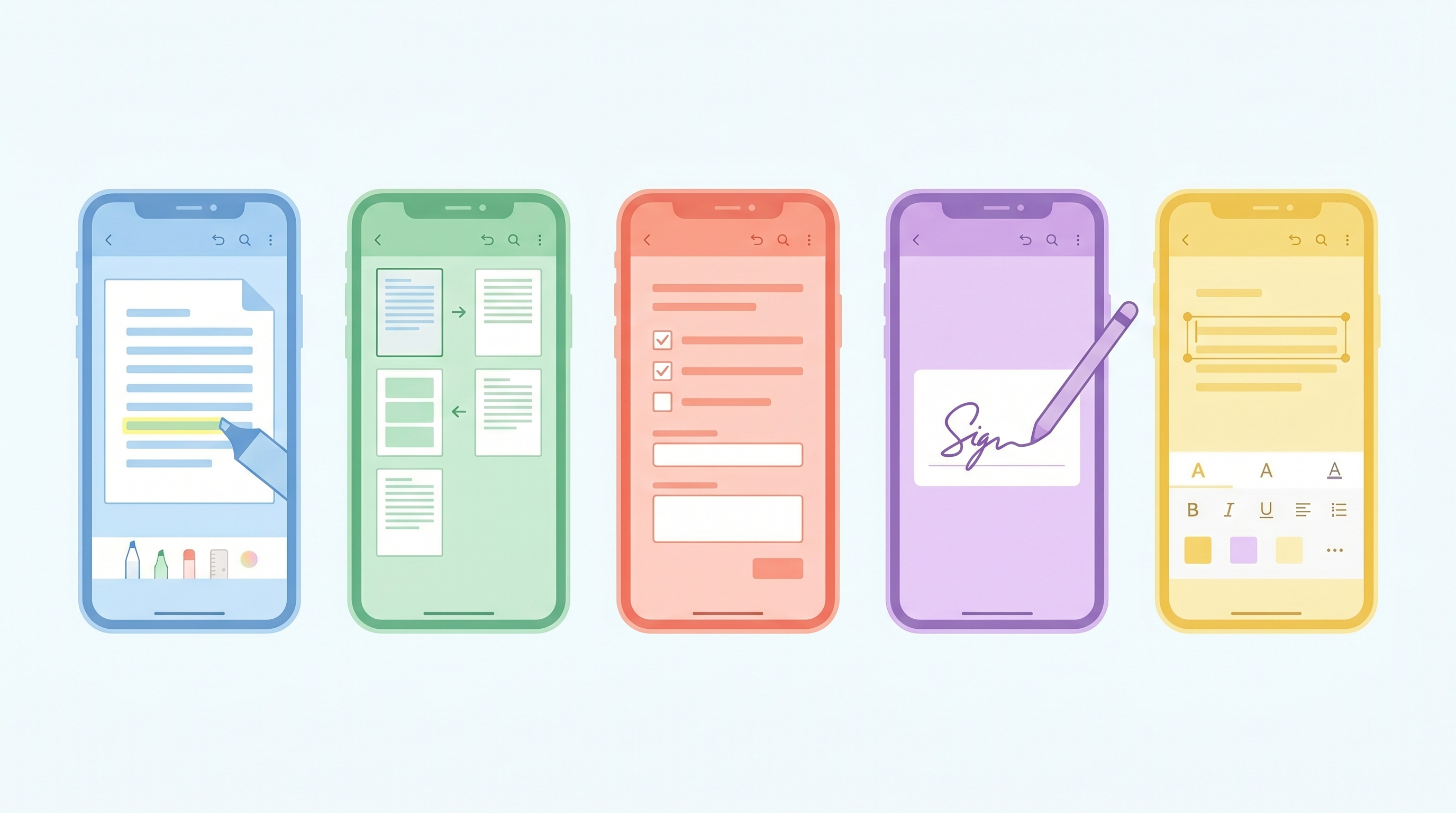
4. Smallpdf — Best for Quick On-the-Go Edits
If you already use Smallpdf online (which I covered in my PDF merger article), the Android app brings the same clean experience to mobile. It's great for quick tasks — compressing a PDF before sending, merging two files, or adding a quick signature.
The free plan has a daily task limit of two operations, which is honestly enough for occasional use. It's not the app I'd use for heavy daily PDF work, but for quick one-off tasks it's incredibly convenient and the interface is the cleanest of the bunch.
- ✅ Very clean and intuitive UI
- ✅ Merge, compress, sign — all free
- ✅ Works great on mobile browser too
- ❌ Limited to 2 tasks per day on free
Best for: occasional quick edits when you need something fast and clean.
5. Google Drive — Best Built-In Free Option
You already have this one — and it does more PDF stuff than most people realize. Google Drive lets you open, view, and annotate PDFs directly. More importantly, you can open any PDF in Google Docs to edit text content, which is genuinely useful for simple text-based PDFs.
It's not as feature-rich as dedicated PDF editors, but for basic tasks it works perfectly without downloading anything new. I use it when I just need to quickly check a PDF or copy some text from a document — fast, free, already there.
- ✅ Already installed on most Androids
- ✅ Free unlimited storage up to 15GB
- ✅ Open PDFs in Docs for text editing
- ❌ Limited annotation features
- ❌ Formatting can break on complex PDFs
Best for: basic viewing and simple text editing without installing anything new.
Full Comparison: Best Free PDF Editor Apps for Android
| App | Annotate | Sign | Forms | Watermark | Best For |
|---|---|---|---|---|---|
| Adobe Acrobat | ✅ | ✅ | ✅ | ❌ None | Best overall |
| Xodo | ✅ | ✅ | ✅ | ❌ None | Annotation + collab |
| PDF Extra | ✅ | ✅ | ✅✅ | ❌ None | Form filling |
| Smallpdf | ✅ | ✅ | ⚠️ Limited | ❌ None | Quick tasks |
| Google Drive | ⚠️ Basic | ❌ | ⚠️ Basic | ❌ None | Built-in option |
Pro Tips for Editing PDFs on Android
- For signing documents, draw your signature once in Adobe Acrobat and save it — you can reuse it across any future PDF without redrawing every time.
- If a PDF form isn't detecting fields automatically, try PDF Extra — its form detection engine is the most reliable I've tested.
- Always save a copy of the original PDF before editing — keep a clean backup in Google Drive just in case something goes wrong.
- For large PDFs, compress before editing using Smallpdf — smaller files load faster and are less likely to cause app crashes.
- Use Xodo for group annotation if you're reviewing documents with teammates — the real-time feature is surprisingly polished for a free app.
Frequently Asked Questions
Can I edit text in a PDF for free on Android?
True text editing in PDFs — changing existing words or sentences — is limited on free mobile apps. Adobe Acrobat's free mobile version doesn't support it, and most others require a paid plan. Your best free option is opening the PDF in Google Docs via Google Drive, which converts it to an editable format — though formatting may shift on complex documents.
Which free PDF editor app has no watermark?

All five apps on this list — Adobe Acrobat Reader, Xodo, PDF Extra, Smallpdf, and Google Drive — produce watermark-free output on their free plans for the features they offer for free. Watermarks typically only appear when you use premium features without paying, which none of these force you to do.
Is it safe to use free PDF editor apps on Android?
The apps on this list are all established, reputable tools available on the Google Play Store with millions of downloads. They're safe to use for everyday documents. For highly sensitive files like legal contracts or financial documents, be mindful of which apps you grant storage access to — stick to well-known names like Adobe or Google.
Olivia's Final Thoughts
If I had to pick just one, I'd go with Adobe Acrobat Reader for most people — it's the most reliable, feature-complete free option on Android and it handles practically everything you'd need day to day. If annotation is your priority, swap it out for Xodo and you won't regret it.
No more panic moments at cafes trying to sign a document. These apps have you completely covered — and they're all sitting in the Play Store right now, free and ready to go.
Which PDF app is your current go-to? Drop it in the comments — I'm always curious what other people are using. And if this list helped you find your new favorite, share it with someone who's still struggling with PDFs on their phone! 😊
'Tech' 카테고리의 다른 글
| Best Free Grammar Checker Tools in 2026 Tested & Reviewed (0) | 2026.06.04 |
|---|---|
| Canva vs Adobe Express Which Is Better for Beginners? (0) | 2026.06.03 |
| How to Block Ads on Android Without an App Free Methods (0) | 2026.06.02 |
| How to Recover Deleted Photos on Android (0) | 2026.06.02 |
| How to Merge PDF Files Without Adobe Free & Easy (0) | 2026.05.30 |